


ASI and Apple forge alliance to foster innovation in Education
Advance Solutions Inc. (ASI) and Apple Inc. have crafted a business partnership with the goal of leading Philippine education to the path of technological innovation. ASI is an IT company engaged in the business of providing technology solutions to the widest range of consumers nationwide. Apple technology and resources empower every kind of educator — and every kind of student — to learn, create, and define their own success.
ASI can assist your school to seamlessly deploy and configure iPad and iPhone devices and Mac computers for their teachers and students with Apple School Manager (ASM).
Apple School Manager
Apple School Manager (ASM) is a streamlined, web-based portal designed for IT administrators in education. Working alongside third-party mobile device management (MDM) solutions, it transforms how Apple devices are managed in schools. Built on cloud technology, ASM simplifies the setup, distribution, and oversight of devices. By integrating Apple VPP, DEP, and Managed Apple IDs, it makes deploying devices and sharing content faster and more efficient—ultimately becoming a vital tool for teachers in the classroom.
Device Enrollment Program
The Device Enrollment Program (DEP) is a component of Apple’s Deployment Programs (ADP), designed to help businesses and educational institutions seamlessly set up and manage iOS devices and Mac computers. DEP offers a quick, efficient way to configure institution-owned devices purchased directly from Apple or through participating Apple Authorized Resellers and carriers.
ADP Features
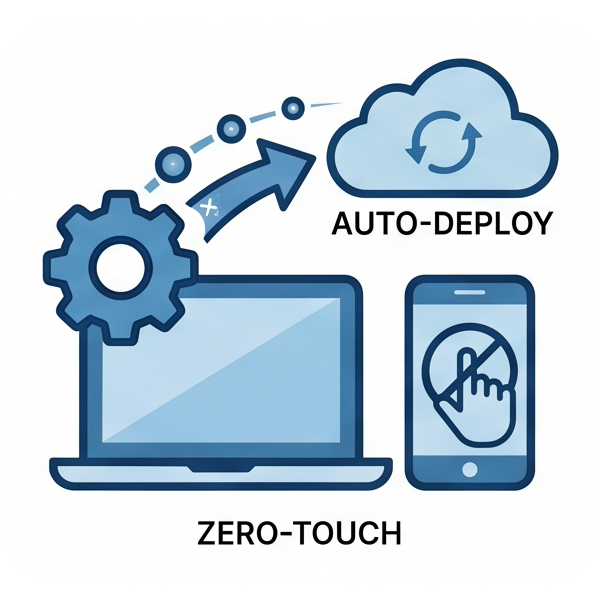
Zero-touch configuration for IT
Enable seamless onboarding without manual device setup. With automated MDM enrollment for large-scale iOS rollouts, users can instantly configure accounts, apply corporate policies, and receive apps wirelessly—no physical handling required.
Streamlined setup
Setting up users on iPad and iPhone is even simpler with ASM. Once devices are connected to your MDM server, the built in Setup Assistant walks users through activation. You can make the process faster by choosing to skip certain screens during the initial setup, streamlining the experience even further.
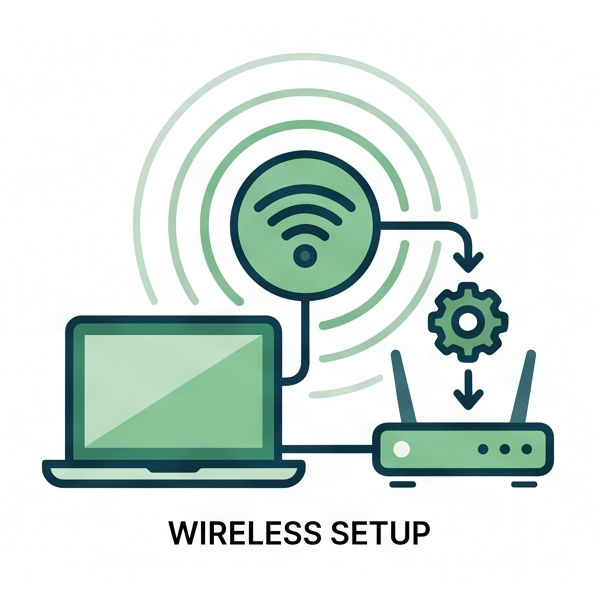
Wireless setup
Supervision offers advanced management capabilities for corporate-owned iOS devices. This mode can be enabled wirelessly during setup, giving administrators greater control. With supervision, you can enforce restrictions such as disabling iMessage or AirDrop, and unlock additional configuration options like web content filtering or single-app mode. These features make it easier to secure and customize devices for organizational use.
Mandatory and lockable MDM enrollment
iOS devices can be set up to automatically enroll in Mobile Device Management (MDM). This ensures each device is configured according to your organization’s policies, providing users with the required settings and controls. Additionally, you can enforce ongoing MDM enrollment, keeping devices locked into management for continuous oversight and compliance.

Volume Purchase Program
The Volume Purchase Program (VPP) makes it easy for organizations to discover, purchase, and distribute apps and books in bulk. Whether your team works on iPhone, iPad, or Mac, you can deliver high quality content that’s ready for business with secure, flexible distribution options. VPP also allows you to procure custom B2B iOS apps, developed specifically for your needs by third party partners, through a private store.
Unleash the power of Apple School Manager
SIS integration
Generate Managed Apple IDs and proactively update user information for students, teachers and staff, and arrange classes through integration with your Student Information System (SIS).
Device setup
In order for students to be equipped with the learning resources they need the moment they turn on their device, automate device enrollment, iPad and Mac deployment and app configuration in schools.
Shared iPad
For shared use, set up iPads and let students log in to their device by tapping on their photo. Upon logging in, students can start from where they left off and enjoy a tailor-made experience on their shared device.
Classroom management
Provide teachers the ability to run Apple’s Classroom app and train students to gain access to the suitable learning resource or website, share work to an Apple TV and carry out routine management tasks such as password resets.