









Keeping your everyday tech devices in good working condition
Modern living has made life easier and faster because technology has made available tools and devices at our disposal. In fact, the benefit of the modern age has enabled parents to use many of these gadgets which help them manage family life and actually serving like guiding stars in the parenting constellation. Well, there is wisdom in the catchphrase: to get out of the chaos of daily life, everyone could use a bit of help.
However, as people around the world rely more and more on gadgets and appliances every day, it’s easy to forget that even our most trusted devices need a little TLC to stay in top shape. Our technology works tirelessly to make life easier, but without proper care they can wear out faster than expected. Oftentimes, the simplest maintenance can go a long way in ensuring that your technology works to the best of its ability. Read on and learn:
For your smaller electronics (such as a cell phone or laptop): their biggest enemies are dust, dirt, and grime, which can clog vents and ultimately harm electronics. Use microfiber cloths to wipe screens and soft brushes for keyboards and ports, which will prevent your devices from overheating.
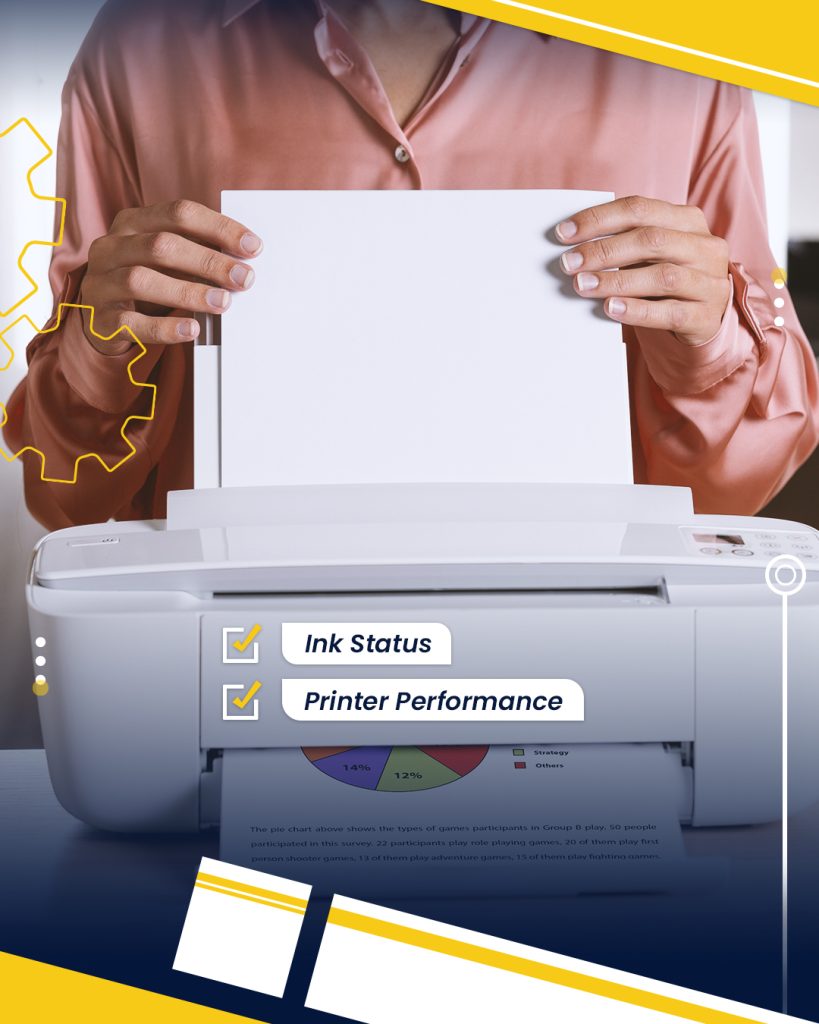
For printers: Surprisingly, few people actually take the required steps to make sure that their printers are running smoothly for as long as possible. If you have an inkjet printer, it’s important to run a cleaning cycle every so often in order to blast away any dried ink.
For television: When it comes to your television, be sure to avoid using any cleaners from your kitchen. Most of them could damage your TV screen, so it’s best to simply use a dry microfiber cloth to remove any dirt or smudges. Clean the HDMI and USB ports at the back of the TV with a small paintbrush as they can also get dusty every week or so.
Cell phone batteries: they oftentimes seem as though they’ve decided to take a sharp turn off a cliff. While replacing the battery could put a dent in your finances, sometimes the poor battery life can be attributed to a missing software update. Go ahead and update your phone to eliminate that problem.
Surge protectors: Power surges can damage delicate circuitry in electronics. Plug your valuable devices into surge protectors to guard against sudden voltage spikes. This simple measure can prevent costly repairs or replacements, especially during storms or unstable power conditions.
Use protective cases: Investing in protective cases for your phone, tablet, or laptop is a small price to pay to prevent major damage from drops or bumps. These cases help absorb impact and safeguard internal components from harm.
Overcharging: Leaving your phone or laptop plugged in at 100% for extended periods can actually add stress to the battery. Unplugging your devices when they’re fully charged helps maintain the health of the battery, allowing it to work properly for longer.
Cooling pad: If you regularly use your laptop for extended periods, it might be wise to invest in a cooling pad. These pads improve airflow and reduce the risk of overheating, which can severely damage internal components.
Surface level: In the same vein, experts advise that users should never leave their laptops on a soft surface (such as a blanket or a couch). Laptops need to vent heat properly, but when rested on soft surfaces this can trap the heat, ultimately causing severe internal damage to the computer.
Direct sunlight: Exposing electronics to direct sunlight can cause them to overheat and damage sensitive components. Keep phones, laptops, and other devices out of direct sunlight (especially during summer months) to preserve their longevity and avoid malfunctions.
