









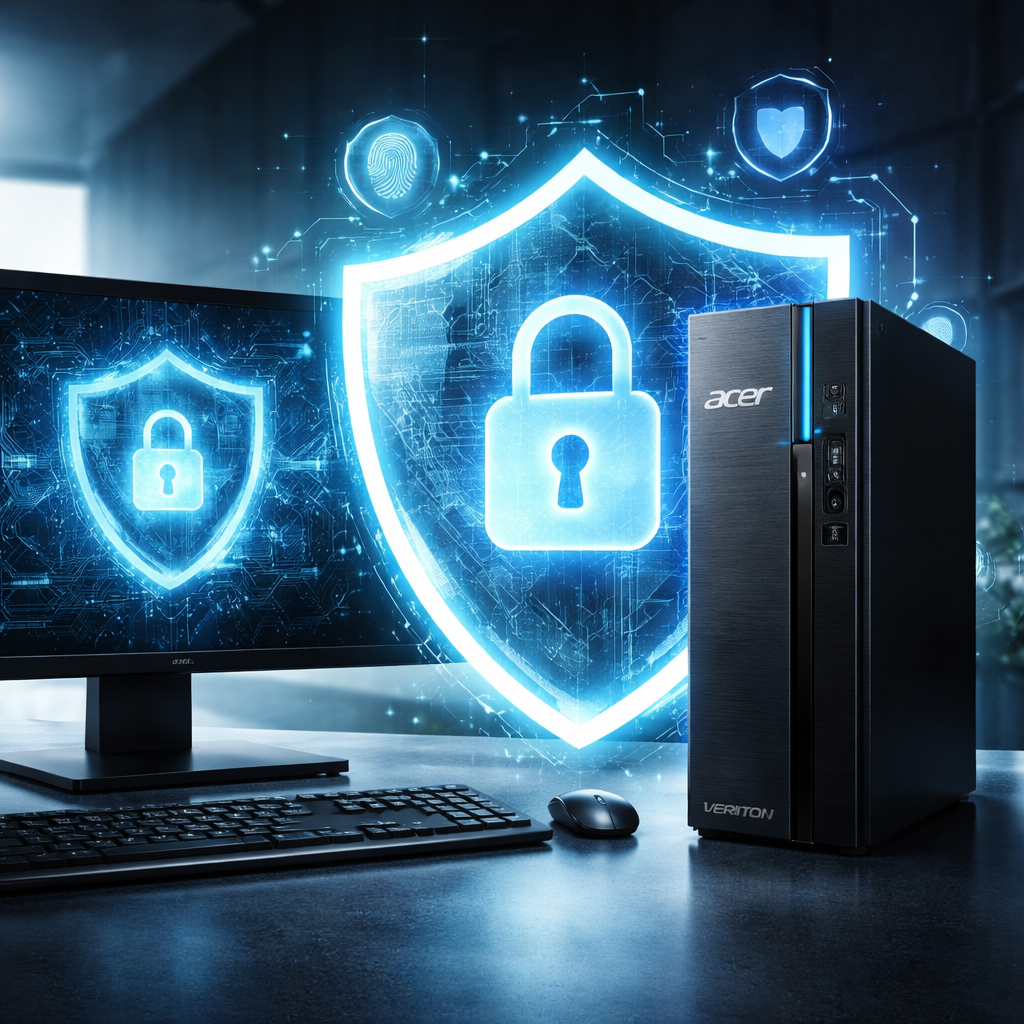
Acer ProShield Plus secures your Veriton device from unauthorized access
Acer is committed to ensuring their devices are easy to use, manage and deploy. Their complete product portfolio, efficient customer service and support infrastructure enable customers to reach new levels of productivity. All Acer for Business products are thoroughly checked and tested to ensure reliable performance even under extreme conditions.
Acer utilizes stringent and proven sets of criteria that guarantee the highest level of product quality and reliability. The safety of customer’s data and network is Acer’s priority. That is why their business products come with multilevel security solutions that protect your information and grow with your company. Acer ProShield Plus delivers the following security features:
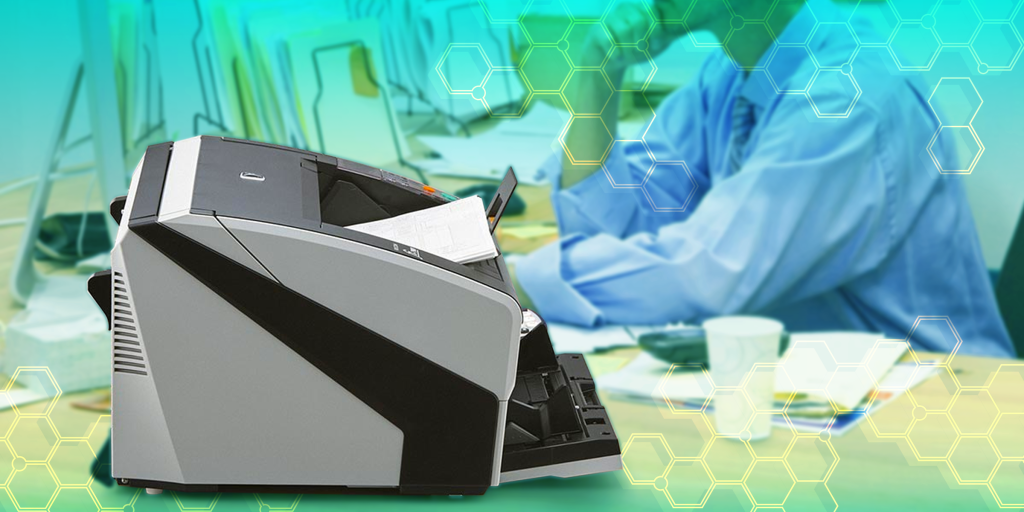
High-Resolution Scanning: Ricoh scanners capture images in high resolution, producing clear and detailed digital copies suitable for various document types.
Speed and Efficiency: These scanners offer fast scanning speeds to efficiently handle large document volumes, ultimately enhancing workplace productivity.
Optical Character Recognition (OCR): Integrated OCR technology allows for the conversion of scanned documents into editable and searchable text, simplifying document management and retrieval.
Multi-Feed Detection: Built-in sensors prevent misfeeds by detecting when multiple pages are pulled into the scanner at once, ensuring every page is accurately scanned.
Network Connectivity: Ricoh scanners offer options for network connectivity, enabling multiple users to access the scanner from different devices and facilitating convenient sharing and storage of scanned documents.
Automatic Document Feeder (ADF): The ADF feature allows for the scanning of multi-page documents without the need for manual page feeding, saving time and effort.
Double-Sided Scanning: Ricoh scanners are capable of simultaneous two-sided scanning, known as duplex scanning, essential for efficient document processing.
Image Enhancement Tools: Software features clean up and enhance the quality of scanned images, improving legibility by removing imperfections and adjusting alignment.
Security Features: Ricoh scanners are equipped with advanced security measures to protect sensitive information, including options for password protection, data encryption, and secure file transmission.
Compatibility and Integration: These scanners are compatible with various operating systems and seamlessly integrate with document management systems and cloud storage solutions.
Compact Design and Energy Efficiency: Designed to fit modern workspaces, Ricoh scanners operate with energy efficiency to reduce power consumption, supporting sustainable office environments.
Reference: Navigating the Scanning Pathway to Digital Transformation
Integration of Windows Hello Authentication
Say goodbye to key-in password again. All features of ProShield Plus, such as encryption, decryption, etc., support authentication features built-into Windows 10, such PIN, etc.
Performance Improvement
File Encryption speed has increased by up to 33% and File Decryption has increased by up to 60%1. Multi-process encryption and decryption are supported.
App Guard
User can select a list of applications and place them into protection mode that requires Windows Hello authentication to launch.
Browser Guard
Windows Hello authentication is required when the user launches the browser. If the authentication fails, then user profile will be locked and browser will not automatically provide User ID and password when the web page asked for such information.
File Encryption & Decryption
File Encryption protects private files and prevent them from being modified, read or even accessed without valid authentication. User can drag and drop or click the ‘Add File’ or Folder icon to add files for encryption or decryption. Alternatively, the user can select a file and click on the right mouse button to encrypt, decrypt, shred or move file to Personal Secure Drive.
File Shredder
Overwrites the data to make data recovery impossible.
Personal Secure Drive (PSD)
Provides a protected storage area for all data. User can save important data in the Personal Secure Drive, and resize or relocate the drive as needed.
Alert. An alert email will be sent to the user when if there is any attempt to access secure data but authentication fails.
Reference: Acer Commercial Presentation (2026) – Kean.pdf