








Windows 11 has arrived; support ends for Windows 10 in October 2025
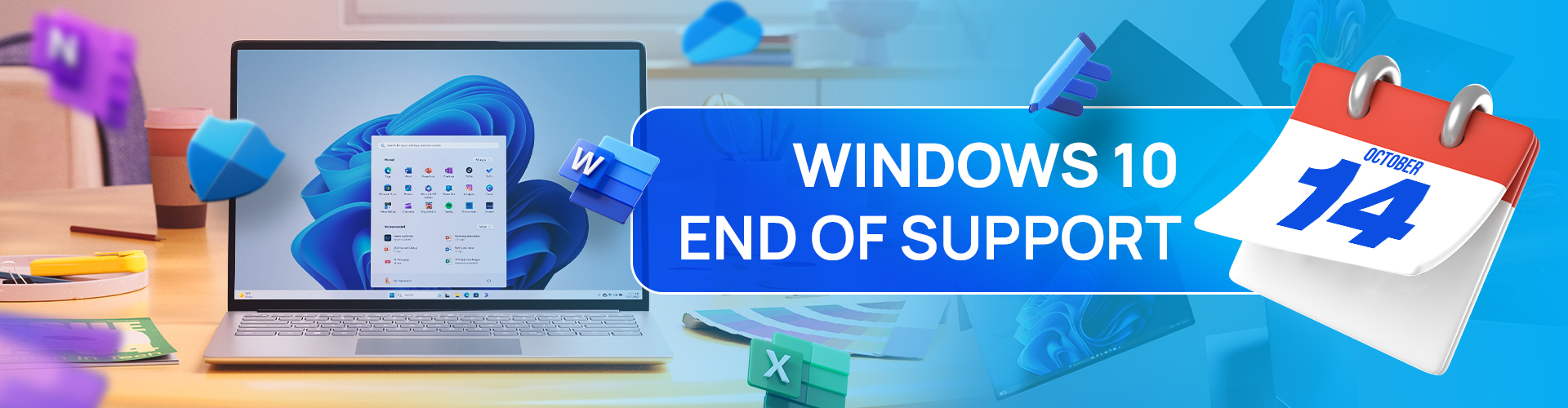
Microsoft is making the transition to a new era of computing with the coming of Windows 11. Support ends for Windows 10 on October 14, 2025, but a new journey with Windows 11 awaits. The AI revolution is here and this new technology trend somehow brings certain concerns about security. Your Windows 11 PC brings layers and layers of security measures to help keep your digital life in safe hands. So, it’s time for an upgrade!
End of life and end of support are terms that refer to the end of technical support and security updates for Windows 10. After 10 years, this older version of Windows will no longer receive free software updates from Windows Update, technical assistance or security fixes. For consumers, end of support means that Microsoft recommends updating to the latest version of Windows for the latest critical updates and support that can keep you secure online.
Your PC will continue to work, but support for Windows 10 is discontinued. After 14 October 2025, your Windows 10 PC will no longer receive security updates and Microsoft will no longer be available to provide Windows 10 technical support.
While your Windows 10 PC will continue to function, it will be at greater risk for viruses and malware when Windows 10 reaches end of support. We recommend you transition to a version of Windows that is still supported. If your existing device cannot run Windows 11, a new PC that can run Windows 11 makes for an easy transition and great experience.
If your PC meets the minimum requirements to upgrade from Windows 10 to 11, you should see an option in Windows Update to upgrade to Windows 11 for free. If your PC is not able to upgrade to Windows 11 or if you want to replace it, you can move to Windows 11 by purchasing a new PC.
For S mode users, the upgrade to Windows 11 from Windows 10 Home edition in S mode and Windows 10 Pro edition in S mode is free. If your PC meets the minimum system specifications, the Windows 10 Home edition in S mode can upgrade to the Windows 11 Home edition in S mode. If your Windows 10 PC is running the Pro edition in S mode, you will need to switch out of S mode to upgrade to Windows 11 Pro. Windows 11 Pro edition is not available in S mode.
Windows 11 is the most secure Windows ever built, with comprehensive end-to-end security that covers antivirus, firewall, internet protections, and more. This means more security features, dashboard displays and ongoing updates to help safeguard against future threats—all built-in at no extra cost. To receive updates, internet access is required and service fees may apply.
Reference: End of support for Windows 10, Windows 8.1 and Windows 7 | Microsoft Windows